

Holiday Trends
Contactless payment limits in Canada during the holiday rush
How contactless limits work in Canada, why taps get declined and what business owners can check on their terminals before the busiest weeks of the year.
 Calculating time...
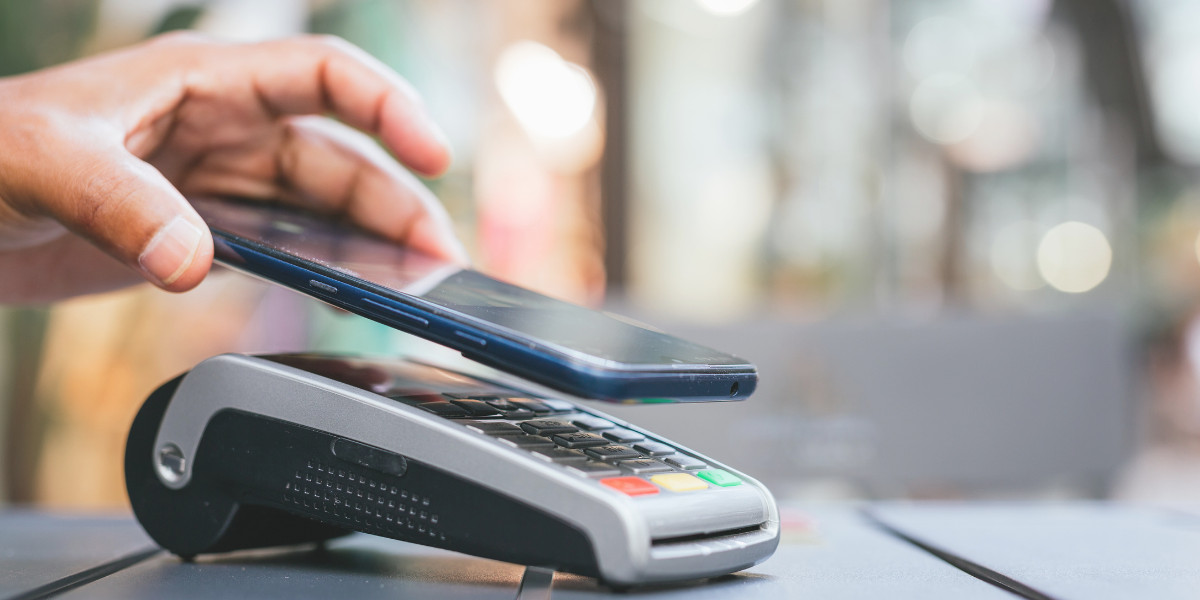
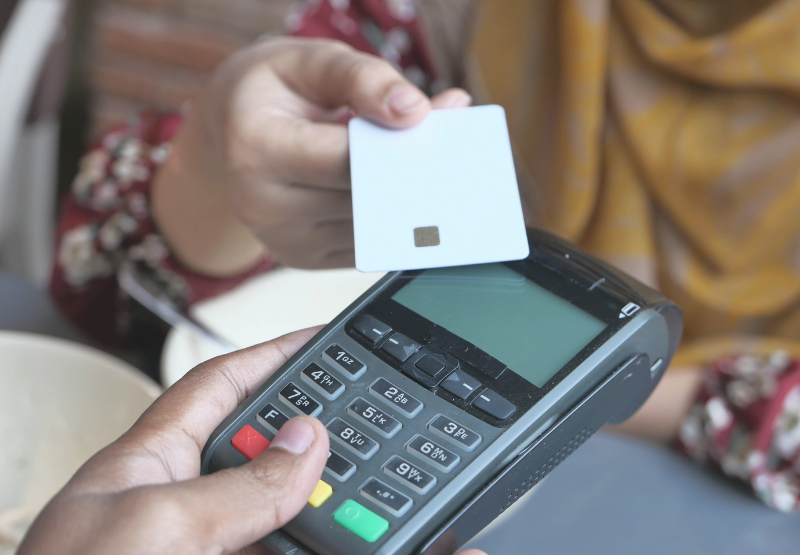
The contactless limit on your terminal is rarely what slows a busy counter, because the card networks and the customer's bank set it and you can prepare for everything around it.
Tap is now the default way people pay in person. Contactless card payments made up 63 per cent of in-person payments in Canada in 2025, so most of your holiday line will reach for a card or a phone before anything else. A decline on a quiet Tuesday costs a few seconds, while the same decline on the last Saturday before the holidays holds up 10 people.
Owners often ask if they should raise their limit before the rush. The ceiling on a tap belongs to the networks and the banks. What decides how tap behaves under load is yours, and it comes down to wallet acceptance, a quick fallback to insert and PIN, a stable connection and a team that knows what a decline means. Get those right and tap to pay can stay fast when the store is full.
The contactless payment limit in Canada is the largest amount a customer can pay with a single tap of a physical card without entering a PIN. For most credit cards and for Interac Debit, that ceiling is commonly $250 per transaction. Anything above it moves to insert and PIN.
Picture a toy store selling a $310 building set in December. The customer taps a card, the terminal asks them to insert it instead, they key in a PIN and the sale goes through. Nothing has gone wrong. The purchase crossed the point where the card needs a stronger check.
The limit applies to the tap of a plastic card. It doesn't cap what you can sell, and it doesn't apply the same way to a phone or watch, which verifies the customer on the device before the tap. Staff who know this can explain a prompt calmly.
The limit on a tap transaction is set by the card networks and the bank that issued the card. Your terminal applies those rules. You can't raise the ceiling for a customer, because the customer's bank decides what that card allows.
Two customers buying the same $180 jacket can get different results. One taps and leaves. The other is asked for a PIN because their bank set a lower tap limit on the card. Many issuers also count taps and ask for a PIN after a certain number or a certain running total, which resets once the chip and PIN are used.
This is why contactless payments in Canada can feel inconsistent at the counter even when your setup is fine. The rule that triggered the prompt lives on the card.A contactless payment gets declined when the amount is over the card's tap limit, the issuer wants a PIN after a run of taps, the card or wallet isn't set up for contactless, the tap was read badly or the bank refused the transaction. Most of these clear when the customer inserts the card.
A café regular taps for a $6 latte and gets a decline, because the card has hit its running tap total and needs a PIN to reset. Inserting the card fixes it in about 10 seconds. A phone held too far from the reader produces a read error that looks like a decline and clears on a second tap.
A true refusal from the bank is different. It repeats on insert, and the customer needs another way to pay. Staff who can tell a prompt from a refusal keep the line moving.Tap to pay works through a short-range radio signal between the customer's card or phone and your terminal. The terminal reads the payment details, sends an encrypted request to the customer's bank and shows an approval within a couple of seconds. Each tap carries a one-time code, so the card number alone can't be reused.
On a Moneris Go Terminal, the customer taps a card, phone or watch on the device and the same terminal handles Interac Debit, credit and mobile wallets. If the tap needs a PIN, the customer inserts the card and enters it on the same screen.
Scale explains why this matters for a small shop. People in Canada made 13 billion contactless transactions in 2024, up 11 per cent from the year before. Customers expect a tap to work everywhere, including a market stall or a two-chair salon.
You generally can't raise your contactless limit for the holidays, and you don't need to. The $250 ceiling on card taps comes from the networks and issuers. What you can do is confirm your terminals are set to the current limit and that mobile wallets are accepted for larger baskets.
Consider an electronics shop where the average December sale is $400. Most of those card taps prompt for a PIN no matter what the owner does. A customer paying by phone has already verified with a fingerprint, face or passcode, so that tap can often go through above the card limit where the issuer and terminal support it. Encouraging wallet use on larger purchases is the practical answer.
|
What affects a tap |
Who controls it and what you can do |
|
The ceiling on a single card tap |
Card networks and issuers set it, so you plan for insert and PIN above it. |
|
A lower limit on one customer's card |
The customer's bank or the customer sets it, so staff should expect occasional PIN prompts on small sales. |
|
The running total of taps before a PIN |
The issuer tracks it on the card, and one chip and PIN payment resets it. |
|
Phone and watch payments on larger baskets |
The device verifies the customer first, and you make sure wallets are switched on at every terminal. |
|
The limit setting on your own terminal |
Your payment provider configures it, and you can ask them to confirm it before the season. |
|
Speed of approval when the store is full |
Your connection and terminal software decide it, and both are yours to test in advance. |
Under peak load, tap slows down for reasons that have little to do with limits. Approvals wait on your network connection, more baskets cross the card ceiling and more customers hit their running tap totals after a day of shopping.
Take a gift shop with three terminals on shared Wi-Fi. On a normal day each approval returns in about two seconds. On the busiest Saturday the same network is carrying the music system, staff phones and guest access, so approvals stretch and customers tap twice.
The fix is simple. Put terminals on their own network or give them a cellular backup, and keep one charged spare ready. A terminal that can move between Wi-Fi and a cellular connection helps when the signal at the front counter is weak.Before peak trading starts, check five things on every terminal. Each one takes minutes. Run through them two weeks ahead, so there's time to call your provider if something is off.
A bakery that hires four students for December gets the most from the last item. New staff tend to read a PIN prompt as a broken machine and restart the sale. A two-minute walkthrough at the start of a shift helps prevent that.
Steady tap acceptance during peak trading comes from the work you do before the doors open. The limit is fixed by others and it protects your customers. Your control sits in the setup, the connection and the people standing at the counter.
Owners who treat a busy season as a payments rehearsal tend to have calmer days. They've tested every terminal, they know which sales will need a PIN and they've told staff what to say. It's a short list done on time, repeated each year until it becomes habit.
Moneris supports businesses across Canada with terminals that accept tap, chip and mobile wallets on one device, with 24/7 support in English and French when a question comes up mid-shift. A counter that's ready for the exceptions is a counter where most customers simply tap and go.A contactless payment may be declined if the purchase exceeds the customer's tap limit, the card issuer requires additional verification, there are insufficient funds available or the card or mobile wallet experiences a temporary issue. In most cases, the customer can complete the transaction by inserting their card and entering their PIN instead.
Contactless payment limits are generally set by card issuers and payment networks rather than by merchants themselves. While many physical cards in Canada have a tap limit of around $250, limits can vary by card and payment method, so merchants should be prepared for some customers to tap while others may need to use chip and PIN for similar purchase amounts.
Tap to Pay allows businesses to accept secure contactless payments directly on a compatible smartphone (iPhone or Android devices), without requiring a separate payment terminal. Customers simply tap their contactless card or digital wallet against the device, and the payment is encrypted, authorized and processed through the merchant's payment provider just like a traditional in-person transaction.
Most merchants cannot directly increase customer tap limits because these limits are controlled by card issuers and payment networks. Instead, merchants can prepare for higher holiday transaction volumes by ensuring they accept multiple payment methods, including tap, chip and PIN, and mobile wallets, helping customers complete purchases quickly regardless of transaction value.

Holiday Trends
How contactless limits work in Canada, why taps get declined and what business owners can check on their terminals before the busiest weeks of the year.

Holiday Trends
Learn how chargeback prevention and ecommerce fraud prevention strategies can help businesses reduce disputes, prevent losses and prepare for the holiday rush.

Holiday Trends, Retail, POS Systems, Product Education, Ecommerce, Gift Cards
Learn how gift card profits, unused balances and provincial expiry rules can help grow your small business revenue.
Holiday Trends
Practical BFCM 2026 strategies that pair holiday promotions with gift cards, loyalty points and follow-up to bring buyers back.