7 benefits of a POS system for restaurants
A customer using a touchscreen self-checkout terminal in a retail setting.

A good POS setup helps servers send orders to the kitchen quickly and keep details accurate from the start.

Key Takeaways

  1. A POS system helps restaurants improve service, payments and day-to-day operations. 
  2. Faster ordering and smoother payments help staff save time during busy shifts. 
  3. Clear reporting gives restaurant owners better visibility into sales, menu performance and cash flow. 
  4. Inventory, staffing and online ordering tools help restaurants reduce waste and stay more organized. 
  5. The right POS system should match your restaurant’s service model, workflow and growth plans. 

A POS system built for Canadian restaurants does much more than process payments. It helps you take orders faster, manage tables more effectively, track sales more clearly and keep daily operations better organized.


Those benefits add up quickly in a restaurant, where time, accuracy and consistency all affect service and profitability. Here are 7 benefits of a POS system for restaurants and why each one matters to your business.

7 benefits of a POS system for restaurants explained 

A proper POS system supports several parts of your restaurant’s daily operations, from Front of House (FOH) to Back of House (BOH). Here are seven benefits that make the biggest difference in how your restaurant runs. 


Process orders faster and more accurately 


A good POS setup helps servers send orders to the kitchen quickly and keep details accurate from the start. Servers can choose modifiers, seat numbers and special requests in one place, giving everyone a clear picture of what each table actually needs. 


Faster, more accurate order entry helps you keep service moving and tables turning during busy shifts. It also improves communication between FOH and BOH, which helps the entire restaurant stay organized when things get busy. 


Manage tables more efficiently


Your FOH team needs a clear view of table status, seated time and section pacing throughout service. The right POS setup makes that easier by showing which tables are ordering, which ones are waiting on food and which ones are getting close to paying.


A better view of the floor helps you make more efficient use of the dining room during busy shifts. It also helps FOH work from the same information, which improves coordination across the floor. 


Track sales more clearly

As a restaurant operator, you need a clear view of what sold, when it sold and how each shift performed. A strong POS setup puts sales, tips, discounts and taxes in one place, so you’re not piecing numbers together by hand at the end of the night. 

Clearer sales reporting helps you compare shifts, spot trends and see where revenue is coming from. It also makes performance easier to review day by day, with less time spent sorting through records. 

See which menu items are top sellers 


You shouldn’t have to rely on instinct alone to judge menu performance.


A strong POS setup makes it easier to see which items sell often, which ones bring in the most revenue and which ones sell less consistently. 


That gives you a better basis for pricing, placement and promotions. It also helps you focus more attention on the dishes that support your sales and margins most. 

Keep inventory and food waste under control 

Inventory is easier to manage when sales and stock are closely connected. A good POS setup helps managers, chefs and kitchen staff see what ingredients are being used, what’s selling consistently and what products you’re keeping around for too long. 

More accurate inventory tracking helps you order more precisely and keep key items in stock during busy service. It also gives BOH better information for prep and purchasing, which helps reduce food waste over time. 

Keep online and in-store orders aligned 

Online and in-store orders need to work together. A good POS setup helps keep menus, pricing and order details consistent, whether guests order at the table, at the counter or online. 

That keeps FOH and BOH working from the same information throughout the day. It also helps you give guests a more consistent experience across dine-in, pickup and delivery. 

Make better day-to-day business decisions 

Better data gives you information you can use when making daily decisions about staffing, pricing, prep and promotions. Instead of relying only on instinct, you can look at the numbers and act with more clarity. 

Clearer information supports better decisions across the business, especially when margins are tight and small changes matter. It also makes it easier to plan ahead and stay in control of daily operations. 
How to choose a POS system based on your service model 

Not all restaurant POS systems do the same thing, so you should choose one that matches your specific restaurant’s service model. A quick-service restaurant, a full-service dining room and a restaurant handling a high volume of online orders all need different tools and workflows. 


Full-service restaurants
: If you run a full-service dining room, look for a setup that helps you take payments right at the table. You’ll also want tools that support seat numbers, modifiers, split bills and steady communication between FOH and BOH throughout service. 

Fast-casual restaurants: If you run a fast-casual restaurant, your setup should help you take orders and payments faster without creating extra steps for staff. It should also handle customizations well and keep orders moving clearly from the counter to the kitchen.

Quick-service restaurants (QSR)
: If you run a QSR, speed and volume matter most, so it helps to use a self-serve kiosk when it fits your setup. That can reduce pressure at the counter, shorten lines and give staff more time to focus on food prep and service.

Cafés and coffee shops
: If you run a café or coffee shop, your setup should help you process quick counter payments during busy rushes. It should also make it easy to handle modifiers, repeat orders and a steady flow of smaller transactions throughout the day. 

Mobile food businesses
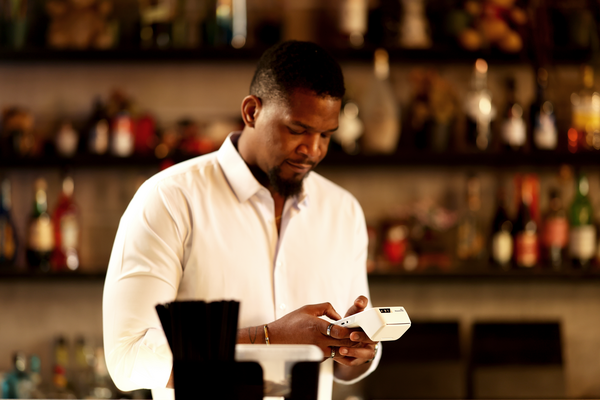
: If you run a food truck or other mobile business, you need a setup that lets you accept payments on your phone wherever you’re serving. You may also need fully mobile hardware that’s easy to carry, quick to use and reliable during busy service. 

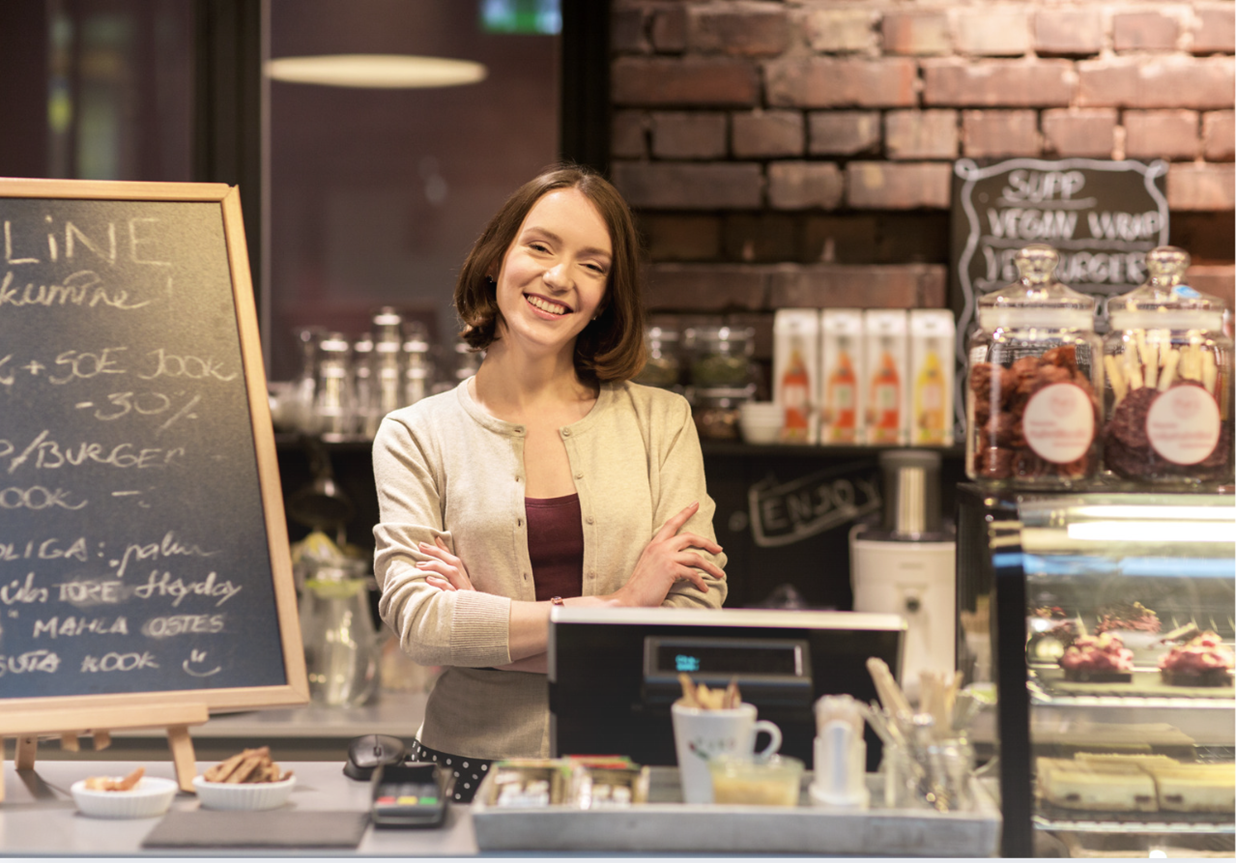
Cashier in cafe

Choose the right POS system with help from Moneris 

Whether you run a full-service restaurant, a fast-casual spot, a café or a mobile food business, the right POS setup depends on how your restaurant actually operates. Moneris offers tools designed for different restaurants, so you can choose a setup that fits the way you take orders, accept payments and manage daily operations. 

You also need support you can count on after your system is in place. Moneris offers 24/7 customer support in English and French, so you can get help quickly whenever questions come up. 

FAQs

Author Profile

Moneris Team

Moneris Team

Moneris is a leading provider of payment processing solutions in Canada. Our blog is your go-to resource for insights into the ever-evolving world of payments. We cover everything from the latest industry trends and technologies to practical advice for businesses of all sizes. Our blog's mission is to spotlight small businesses and provide resources that help them succeed in today's economy. Blog articles are written by members of Moneris' in-house marketing team with support from internal product and industry experts.

Recommended Articles