
Follow the steps below to export your Moneris Go portal financial transactions report to a spreadsheet file (Excel or open document format) or to a text file (comma separated values format).
Initiate a financial transactions report (see Financial transactions report).
On the "Reports" page, go to the search bar, and click on the Export button (shown below).
When the "Export options" dialog displays (shown below), select the radio button beside the desired export file format (ODS, CSV, or EXCEL).
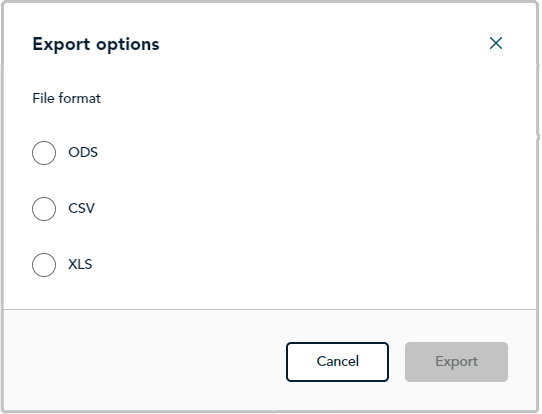
Click on the dialog's Export button.
When "File downloaded successfully" displays, the operation is complete.
Note: When your device prompts you to save the downloaded file, save the file to the desired location.