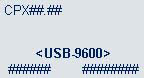
a. As soon as the PINpad displays the CPX version screen, press the key within 3 seconds.
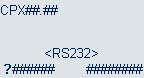
b. When the “PIN/CARD BEEP” screen appears, go to the next step.
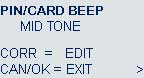
c. Press the  key until the “COM PORT” screen appears.
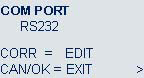
d. Press the  key until “USB-9600” appears.
e. Press the  key to select “USB-9600”.
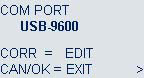
f. The CPX version screen appears (with <USB-9600> displayed in the middle of the screen).